

Payment toolkit built for your digital business. From checkout to fraud protection, all in one platform.
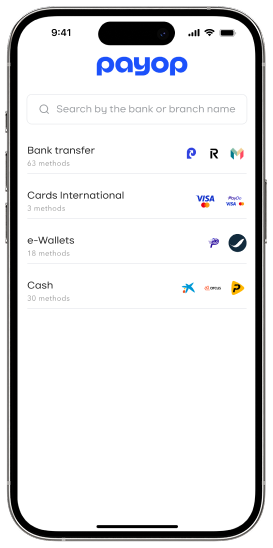




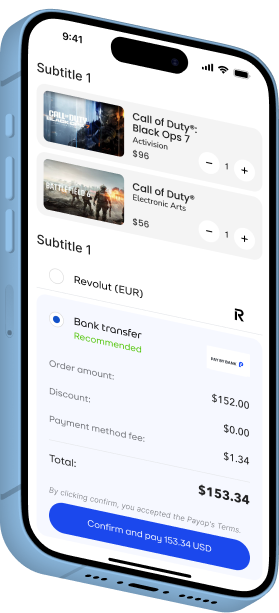
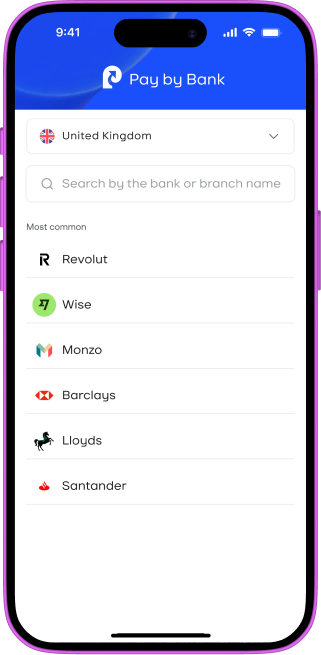
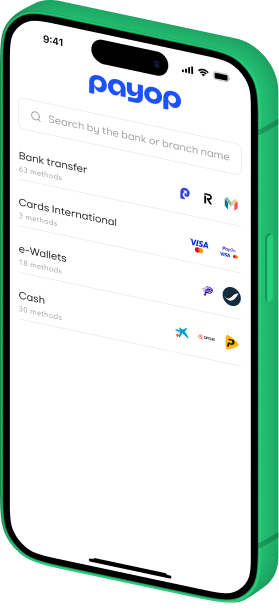
Payop custom solution – built for speed and high conversion
-
 Instant Transfers
Customers pay directly from their bank accounts with real-time confirmation — no cards, no waiting.
-
 Lower Processing Fees
By bypassing traditional card networks, you reduce transaction costs and improve your margins.
-
 Chargeback-Resistant
With open banking, payments are reliable — meaning less fraud, fewer disputes, and lower risk for your business.
-
 Secure & PSD2-Compliant
Built on open banking APIs across Europe and the UK, with strong customer authentication (SCA) by default.
Get started in just 4 steps
Payment cheat-code for digital-first businesses
Gaming
Let players worldwide pay seamlessly — without chargebacks, blocked accounts, or payout delays.
Discover Payop for Gaming →
Digital goods
Sell gaming items, software, gift cards, and other digital goods globally with secure, instant payments.
Discover Payop for Digital Goods →
E-commerce
Boost conversion in your online store
with direct-to-bank payments
and lower fees.

iGaming
Enable fast deposits and instant payouts for betting and online casinos — fully compliant and secure.
Discover Payop for iGaming →
Trusted by 10,000+ digital businesses
"Everything, starting from the integration process, was very clear and direct. Good conversion, fewer failed transactions, effective support, assistance with chargeback handling – all processes are running smoothly."

"Onboarding went extra quick, with no unnecessary paperwork or repetitive requests. It genuinely feels like the team knows what they are doing and understands the specifics of our business are. That’s not something you see very often."
"We saw an immediate boost in successful transactions, especially for international customers."
"For a global business like ours, having one provider that covers so many countries is a huge advantage. And Payop clearly understands the markets we operate in. The payment methods they suggested actually convert."
"Easy set-up, great coverage and payment method list, especially considering the unified integration. Interface is easy to navigate, good reporting tool, and we also love the team-member access settings. Delegating tasks without compromising control has made our workflow much smoother."
"Since switching to Payop, our payment-related support tickets have dropped by nearly 40%. It's been a huge relief for our team."