

Aug 07
6 MIN READ



Payment processing isn`t a technical afterthought. Think about it as the final gatekeeper of your sales: if transaction processing struggles, all the effort you put into attracting customers goes to waste.
In this article, we explore the mistakes that can hurt online conversions and the measures you should take to protect your revenue.
Even the best marketing can`t overcome a poor payment experience. When users add a product to the cart and click Pay, a failed transaction, an unavailable payment method, or a slow-loading checkout page can drive them away.
That`s why payment processing is crucial for any e-commerce business. When it works seamlessly, it helps convert interest into actual sales. But slow, confusing or unreliable online transaction processing quickly becomes one of the most dangerous conversion blockers.
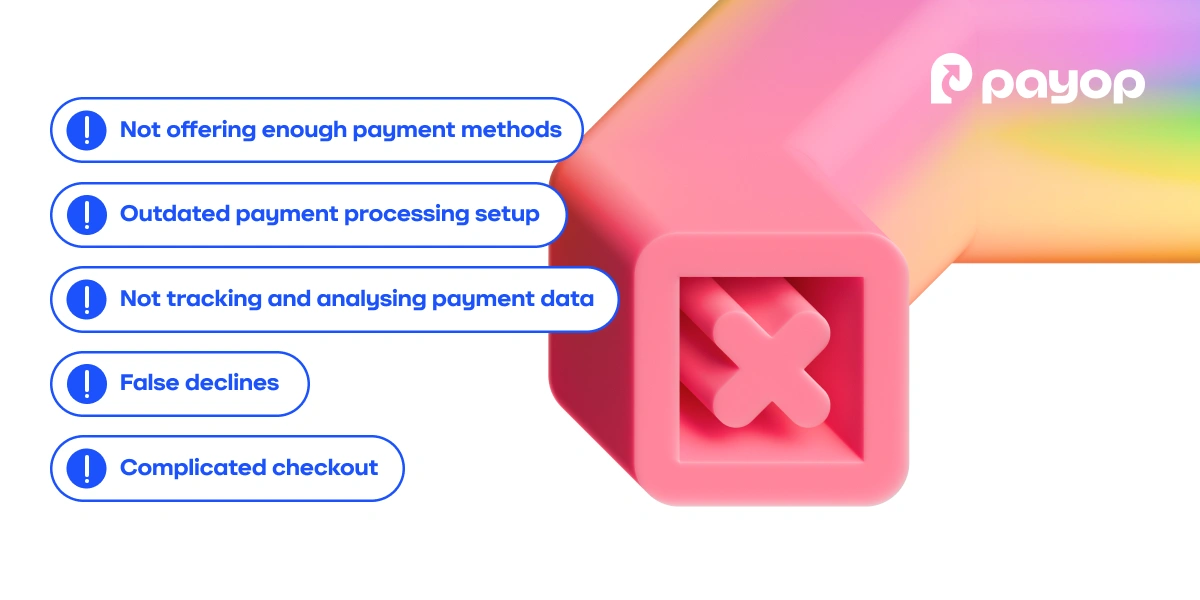
Below, we break down the top five payment processing mistakes and show how you can avoid them to improve conversions and grow your revenue.
Imagine your customer is ready to buy something and goes to the checkout, only to find out their preferred payment method isn`t available. Or even worse: the customer doesn`t have a bank account, but the only option you offer is card payment. Chances are, they`d just abandon the checkout.
Regional payment preferences also play an important role. When shopping in the Netherlands, iDEAL is typically the payment method customers look for at checkout. In Brazil, it`s probably Boleto. In Africa, buyers often use services like M-Pesa, MTN Mobile Money, or Orange Money.
The bottom line is that if customers' preferred payment methods aren't available, they're far less likely to complete the purchase. As a merchant, you need to take that into account.
Solution:
Research the payment preferences of your target markets and adapt to local habits. A smart move here is to work with a payment platform that understands the market where you operate. Such a partnership can save you lots of time and effort.
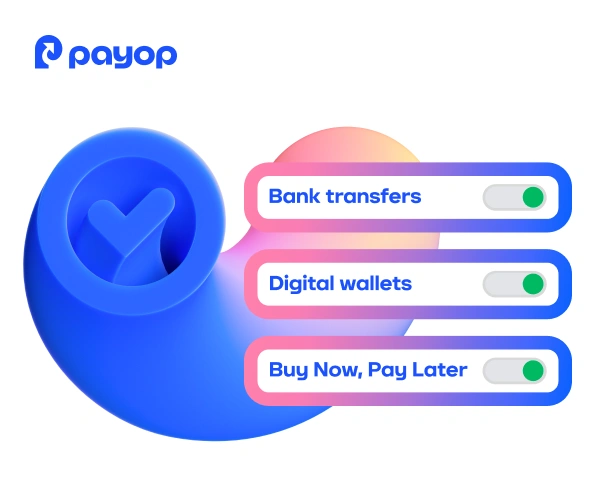
Go beyond offering only traditional solutions and add alternative payment methods (APMs). This will let you reach customers in regions where payers typically choose mobile payments, e-wallets, and other options.
Payment processing setup is how you manage digital payments to ensure smooth transaction flow. Your payment system must keep up with evolving industry demands, or it`ll create unnecessary friction in the customer payment experience.
Signs of outdated setup typically include:
Lack of tokenisation: weakens security and forces customers to enter their payment details every time they make a purchase.
No retry optimisation: the system doesn`t retry the online transaction if there`s a temporary network failure. For the customer, it looks like the payment simply 'failed' with no explanation.
Slow or unreliable APIs: long processing times and frequent timeouts hurt conversion rates, especially during peak traffic periods.
Checkout isn`t optimised for mobile devices: poorly optimised forms make it harder for customers to enter their data, leading to higher abandonment rates.
Solution:
Work with a payment platform that continuously improves the payment setup. From machine learning to new payment methods, a reliable platform tracks fintech trends and integrates them into its systems. Thanks to that, your setup stays up to date and runs seamlessly, while you focus on growing your business.
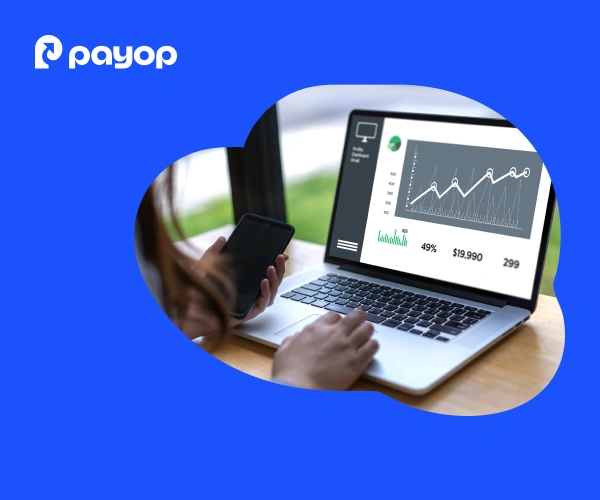
Many businesses set up payment processing once and assume this is enough. But in reality, it needs regular monitoring and optimisation.
For example, if your approval rate drops by 5%, noticing it and taking action before it gets worse can prevent significant revenue loss. If one method underperforms, test alternatives or adjust routing. Similarly, if mobile payments fail more often than desktop, take it as a sign that your checkout may need optimisation.
Solution:
Use your payment service provider`s dashboard to stay on top of things. Track approval rates, analyse decline codes, fraud rates, and drop-offs by device, country, card type, and payment method. Review these metrics regularly, because optimisation is ongoing, not a one-time effort.
Yes, fraud is real, and you need protection. But overly aggressive fraud filters can block legitimate buyers, and every false decline is a lost customer. It happens because, from the system's perspective, the logic is simple: it's better to decline a payment than to let fraud slip through. When a transaction raises suspicion, such as a card registered in another country or an unusually high purchase amount, fraud filters may automatically block the payment.
This is a serious problem for e-commerce. Recent research shows that revenue lost due to false declines is nearly five times higher than losses from actual fraud.
Solution:
Use adaptive fraud detection tools. Thanks to machine learning, these systems use historical data and adapt to user behaviour, rather than relying only on hard-coded rules. For instance, if a customer has purchased before and their card is verified, similar transactions will be approved more easily.
Analyse decline rates. Regularly track how many payments were declined and why. This will help you spot weak points in your payment setup.
Update fraud rules. Criminals find new ways to commit fraud, and legitimate customer behaviour changes as well. Regular updates keep the system secure and reduce false declines.
Use multi-layered fraud detection. Combining behavioural analysis, rules-based control, and machine learning lowers false declines without compromising security.
The longer it takes to complete the checkout, the more frustrated payers get. For example, a long checkout form with tiny text fields and no autofill is one of the quickest ways to drive customers away.
Trust is also very important at this stage. If buyers encounter redirects and don`t see familiar payment logos, they may question the security of the process. All these mistakes on the merchant`s side often lead to high cart abandonment.
Minimise required fields, only ask for truly necessary information.
Remove redirects to keep the payment flow within the same environment.
Keep checkout short, ideally 1-2 pages or a single-page checkout.
Enable autofill and saved payment details to speed up form completion.
Display recognised payment method logos and security indicators to build trust.
A payment service provider (PSP) doesn`t just process online transactions. It provides everything necessary to make the payment experience secure, convenient and fast for your customers.
Partnering with Payop brings you:
a large variety of payment methods, including APMs, helping boost conversion rates.
Built-in advanced fraud tools that keep transactions secure.
User-friendly, mobile-optimised checkout page that won`t create additional confusion for users.
Reporting with all necessary data, so you can track and analyse financial flows and see what works best.
Ready to scale across markets with seamless and secure payment processing? Contact our team at sales@payop.com.