
For Payers
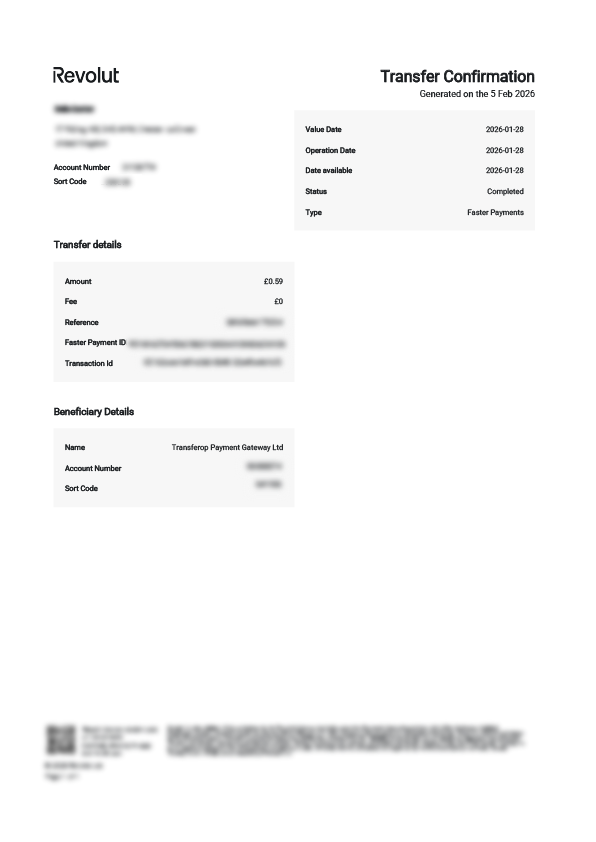
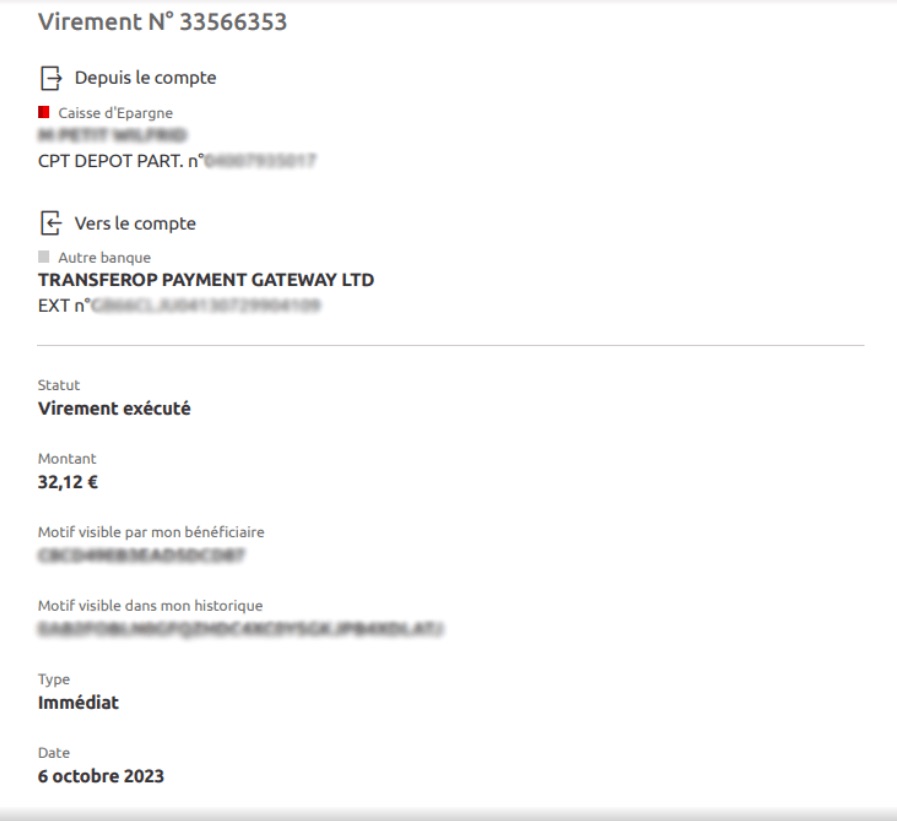
What is Payop on a bank statement? What does Transferop Payment Gateway Ltd mean on a bank statement?
You made a payment on the website using the Pay by Bank, Pay by Revolut, or Pay by Monzo channels developed by Payop. The website integrated this channel to collect payments online.

Transferop Payment Gateway is our business entity, our trading name is Payop - that's why you see it on your bank statement. We built Pay by Bank payment collection through partnerships with banks and technical providers. It's a secure payment collection service made through Open Banking technology. The European Union engages all banks to join the Open Banking community.
We hope that your payment experience was smooth and fast. If not, please feel free to share with us the errors you might receive during the payment process, and we will contact your bank and ask to fix them. Payop actively participates in Open Banking development and adoption, and we see great potential in it.
When should I contact Payop, and when should I contact the merchant?
Below, you`ll find what our support can help you with, as well as which requests are beyond our scope and need to be handled by the merchant.
What can Payop support help me with?
You can contact our support to check the status of your payment if it was processed through Payop. In this case, you`ll see Transferop Payment Gateway or Payop in your bank statement.
Additionally, when you make a payment, you`ll receive an email from support@payop.com confirming that it was initiated and containing a link to track the status in real-time.
That link is always up to date, so you can monitor your payment anytime.
Which questions should I contact the merchant about?
Please contact the website where you made your purchase if your question is related to their products, services, or your account on their platform.
Payop only processes payments – we don`t manage user accounts, deliveries, or website functions.
You should contact the merchant if you want to ask about:
KYC procedures on the merchant`s website (data verification, additional info request, document acceptance)
Products or services, including delivery time, product access, etc
Account issues on the merchant`s website, such as login problems, forgotten passwords, or account verification
Bonuses or rewards offered by the merchant, for example, `How do I get my bonus?` or `Why wasn`t it added?`
Withdrawals from your account
Payments made through another payment system, not through Payop
Returns or refunds if the product didn`t meet your expectations or you want to cancel an order
Can I cancel my initiated payment?
After clicking Confirm&Pay at checkout, you`re redirected to the payment method page to fill in the remaining information. At this stage, the initiated transaction has already been created and cannot be cancelled either on the method`s side or in our system.
It can be completed and, if successfully processed, get the Accepted status or declined if you do not enter the required data and leave the checkout page.
If you leave the payment page, the initiated transaction will be automatically declined within the timeframes for such payment processing. For some methods, it`s 24 hours, and for others - the processing time and decline take several business days.
Why do I get a notification about declined payment?
Please note that each payment has defined system timeframes on how fast it can be processed, depending on the method type. When the initiated payment is not completed within the given deadline, it will receive the Timeout status, and you will be informed about that in our notification message.
What can be the reasons why the payment has not been completed?
- Your bank declined the transaction. You may contact your bank to clarify the issue.
- The processing bank rejected the payment request. Unfortunately, due to internal policies and procedures, payment partners do not always give us an exact reason for that.
- You didn`t fill in the required details or left the checkout page without completing the payment.
If the funds were debited from you, they will be automatically credited back to your account within the next business days.
How can I check the status of my online payment?
Once you click on Confirm&Pay on the checkout page, you will get a notification email with the main details of your requested order and the Check the status link, which you may use to trace the actual status of your digital payment.
By clicking the Check the status button, you`ll be redirected to a page where you can track the payment's current status in real-time with a short description for each status update.
Once the transaction is processed, you will receive a follow-up email with the payment's final status and the main details (date, amount, website, order ID, etc). The information on the tracking page is also updated accordingly, allowing you to access it anytime.
What is Pay by Bank? How does it work?
Pay by Bank is a payment method based on the open banking concept. It allows you to pay for goods and services directly from your bank account without entering sensitive data on the website where you make the purchase. This solution is getting increasingly popular among EU users, as it takes a few clicks to make such a payment.
It works really simply. At the checkout, you choose Pay by Bank from the list of available payment methods, select the bank you want to make the payment with, log into your bank account, and confirm the transaction.
Once your bank authorises the requested payment, the funds are transferred and processed on our bank`s side, and as soon as the transaction gets its final status, the merchant receives confirmation of the successful payment.
The main benefits of this method are:
- Security. You complete the payment using your bank account application.
- Fast processing. Such bank transfers are usually completed in a few minutes.
Important note. Please do not repeat the processed payments by bypassing the checkout page and going directly to our bank account. Such payment won`t be credited to the merchant as it`s not related to any of the website`s orders. To make a purchase, go to the merchant`s website, choose the relevant Payop payment method, and complete it on the checkout page by entering the required data.
Who should I contact to request a refund for my purchase?
Since Payop is a payment service provider, we do not directly provide the payers with any goods/services they paid for on the website. We only process the initiated payments. Our involvement starts when you choose our payment method and ends once the payment is successful.
Therefore, if you have any order-related issues with your purchase or, for some reason, want to request a refund, you should contact the merchant (website administration) to investigate your inquiry further and find the proper solution.
It should also be noted that refunds cannot be initiated from our side. The merchant should request it in their dashboard.
What factors can affect the payment processing time?
It`s our high-priority task to process the payments as quickly as possible so you, as a payer, can get your purchase on the merchant`s website in a few minutes. Our team is constantly working on our payment solutions to make them faster, with higher conversion rates and low fees. However, several factors can impact the processing time, and we cannot affect that from our side.
The following factors can cause the delay of the initiated transaction:
- Payment scheme your bank supports. If your bank doesn't support instant bank transfers, the processing time for such a payment can be a few business hours instead of several minutes (or a business day, in some cases).
- Bank business hours and holidays. It`s a significant factor affecting the payment processing flow. If the transaction was initiated outside the bank`s business hours or during public holidays, such payments are usually processed on the next working day.
- Security measures. As a regulated payment company, we must prevent fraudulent activity, money laundering and terrorist financing. To ensure that, in some cases, additional information requests or manual online payment checks can be required, which can lead to processing delays.
How long does it take for my online payment to be processed?
The processing time can be different, depending on the payment method you selected on the checkout page:
Almost all secure payments must be credited instantly. The maximum technical timeframe for transactions is 24 hours. If your payment wasn't credited within this time, please contact us at support@payop.com and attach your proof of payment.
For a cash method, the transaction will be processed once you transfer funds. You have 48 hours to complete your initiated payment.
For a Pay by Bank method, the processing time depends on the payment scheme your bank supports (instant, non-instant) and the bank transfer currency. Instant banking transactions in EUR and all payments in GBP are typically credited within a few minutes. Payments via non-instant channels usually arrive within an hour, but the banks occasionally delay them up to 24 hours. Please also note that payments initiated on weekends or holidays may be credited the next business day.
If your digital payment hasn`t been processed within the mentioned timeframes, you can contact our support team at support@payop.com with your payment confirmation, and we will check your transaction`s status.
Below, you can find a few examples of the relevant payment proofs for different payment methods.